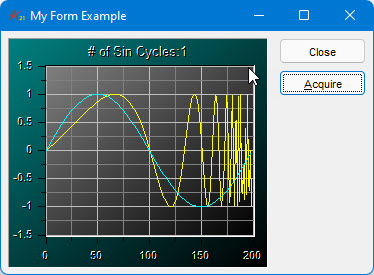
You can now execute the code to test your form.
1. Make sure the test code is the active view. Select Doit! from the Debug Menu or from the Build/Run toolbar.
2. Click
twice on the Acquire button. The
form should now display two sine cycles as shown here:
3. Click on the Close button.
ATEasy provides additional tools to test the form. You can use the Formit! from the Debug menu or from the Build/Run toolbar. The command executes a load statement on a temporary variable that ATEasy will create.