To delete a Toolbar that you created:
1. Display the Customize dialog box as explained in Customizing the Environment.
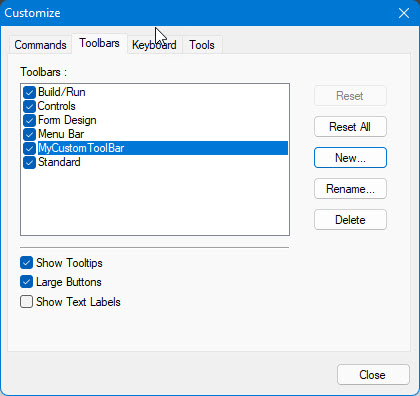
2. Click the Toolbar tab to display the following:
3. Highlight the name of the toolbar that you want to delete by clicking on it.
4. Click the Delete button to delete the Toolbar.
5. Click the Close button to close the dialog box.