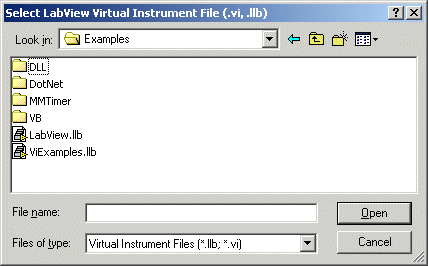
Use this dialog box to import LabVIEW VI/LLB files.
This shows what has been opened - list of Vi files. If they are contained in LLB file, then they will be listed under its name.
To open Vis, click this button, then Open dialog will be displayed - select either VI or LLB files (.vi, .llb). In v8, .lvlibp file format are also supported.
This will Import Vis that are checked in the Vi List to the currently active ATEasy module Procedures.
This will close the dialog.
During Import, if there are any variables/parameters in the Vi file, ATEasy will add prefix to each variable. Adding Prefix is the default setting.
If you close the dialog, the library (.llb) will be removed from the memory - you can prevent this by checking this option. By default, it is unchecked.
This button resets all VI files' parameters list to the original ones in the llb.
This shows the description of the selected Vi.
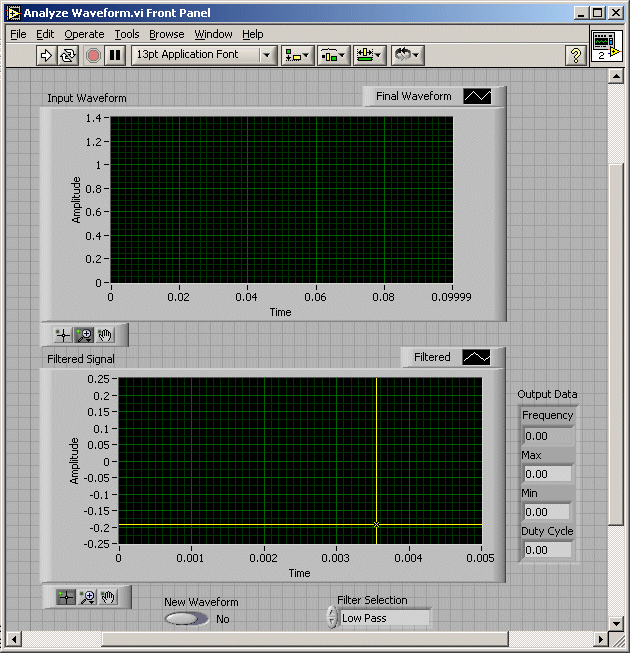
This will display the Vi (Virtual Instrument) front panel.
This allows you to edit the Vi panel - see an example here for Analyze Waveform.vi. The View will show the same panel except edit capabilities.