Batch Build Command (Build
Menu)
Batch Build Command (Build
Menu)
Version 7
|
Version 7 |
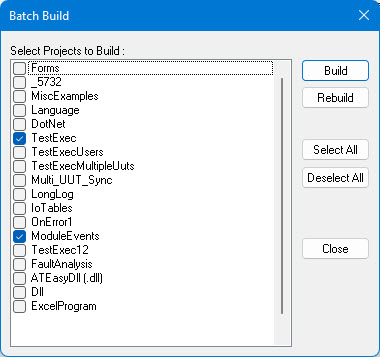
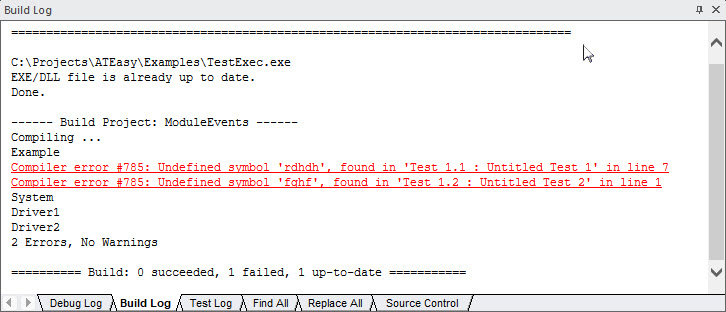
This Build menu allows you to compile and build multiple projects together. The commands displays a dialog box as shown below displaying a list of the current workplace projects. When the user press on the Build or ReBuild buttons the dialog box will be closed and ATEasy will build the checked projects displaying the progress in the Build Log as shown below.
For more information on how to use this dialog box, see Batch Build Dialog.
After Batch Build is performed and done, its configuration will be remembered for subsequent Batch Builds, and between ATEasy sessions.