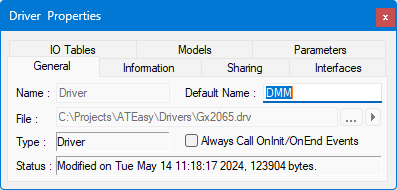
Driver Properties |
Click in image for details and on tabs to see each property page. |
Use the Driver Properties window to set and
change properties associated with each driver. To display the Driver Properties
window, select the Driver icon  in the Driver window within the ATEasy workspace
and right-click to select the Properties icon from the context
menu.
in the Driver window within the ATEasy workspace
and right-click to select the Properties icon from the context
menu.