There are different types of ATEasy projects or applications. The project’s type is determined by its contents and its target build type. There are two different build targets for ATEasy projects : Executables (EXEs) or Library DLLs. The following lists different projects scenarios:
This is the most common type of project. The project will contain one or more test programs, a system with several instrument drivers and the test executive driver, optional profile and the fault analysis drivers. Each program is designed to test a UUT or component(s) of the UUT and contains several tasks or tests that setup instrument stimuli, switch and measure or read the results. The test results is compared against the test requirement that is stored inside the test and used to determine whether the test has been passed (PASS) or failed (FAIL). While the program is running the test results are printed to the test executive log window. The test executive driver that is included to the system provides the operator user interface, will accept instruction from the operator such as what program to run, what tests, and will allow the operator to run or debug the test program or UUT and log, save to a file or print the results.
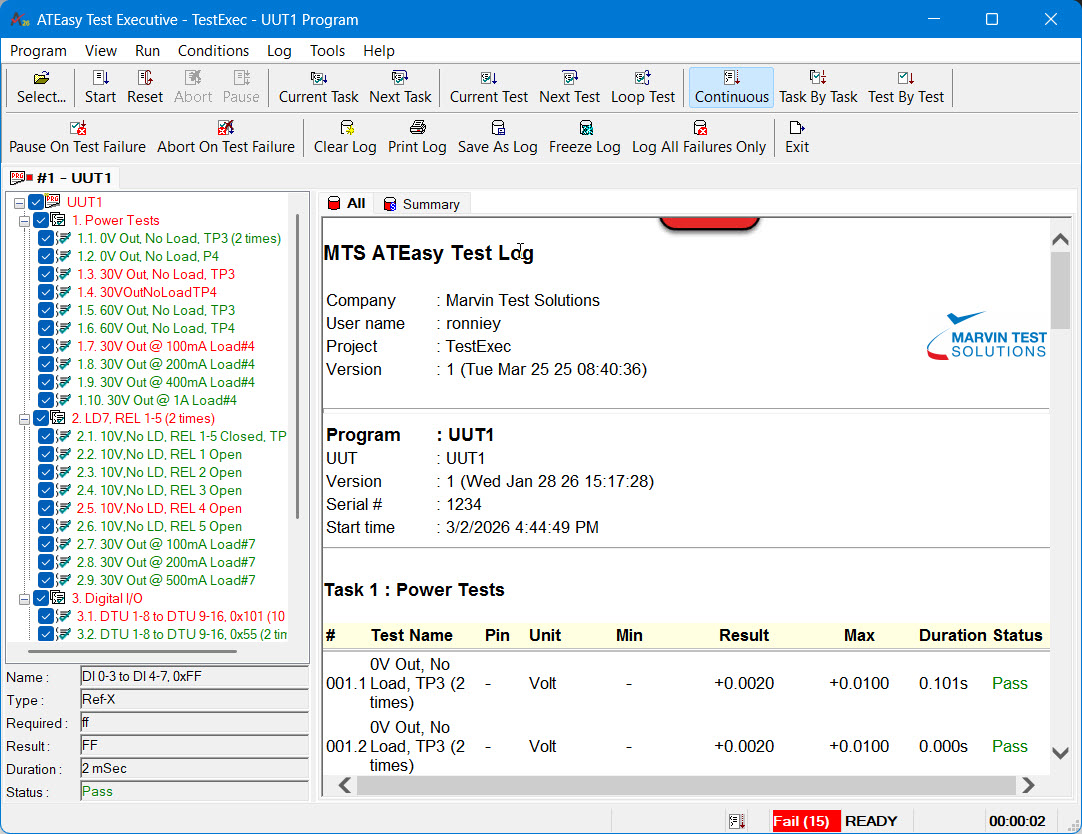
The following shows TestExec displaying the test results of a program, "SystemBIT" after run:
Projects with no test programs are used to control instruments and a form is used to serve as a virtual instrument panel. The application can control one or more instruments and displays a virtual instrument panel or a form which is used to control instruments or display results. This project usually have a system with one or more drivers.
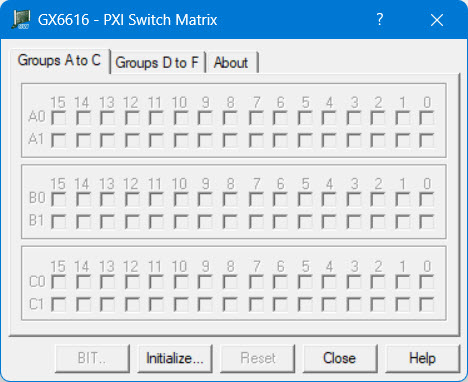
The following shows GX6616 panel instrument panel displayed after initialization:
This project typically contains a system and usually one driver. This project is to build a DLL that can be later inserted and called by another applications such as an ATEasy module (program, system or driver) or other programming language (such as C, VB) which can call DLLs. An ATEasy library can export user procedures, IOTables or external DLLs. The library can serve as a DLL driver or some other software component that was implemented in ATEasy.