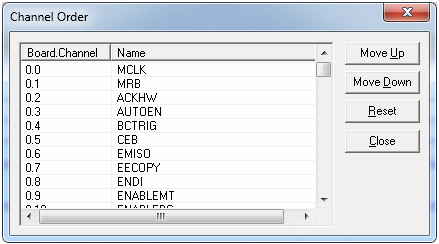
Click Order… to reorder channel name assignments. The Channel Order dialog box (figure below) displays.
Channel Order Dialog Box
A scrollable list of domain channels (Brd.Channel) and names displays in the list box. To change a channel order, select the channel or name and click Up or Down to move the name. Names that are passed in the move are shifted. This allows moving a block of names one up or down per move, which is often faster than changing names in Vector View using drag and drop.
When names are moved in Vector View only the displayed order of channels and names are altered, but names are not reassigned.
To go back to the original order click the Reset button.
Click OK to implement the new name assignments. The dialog box closes and Vector View now displays the new names.