 button. The CheckIt window displays error messages while checking results (figure below).
It is time now to check for errors (for example, a branch to an undefined label). Select CheckIt from the File menu or use the toolbar button. The CheckIt window displays error messages while checking results (figure below).
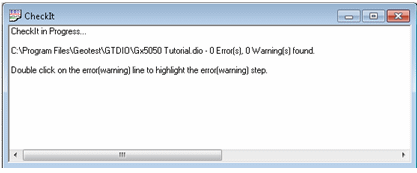
Checking the Vector File
CheckIt displays errors by listing each step containing an error with an explanation of what caused that error. Errors can then be corrected using the Command Properties dialog box. The total number of errors found displays in the list. .