To save the vector, select Save from the File menu. A Save As dialog box opens. Type the name of the file (for example, MyDioFile) as shown in the figure below and click Save. DIOEasy saves the named file to the current directory and appends a DIO extension.
Saving the Vector File
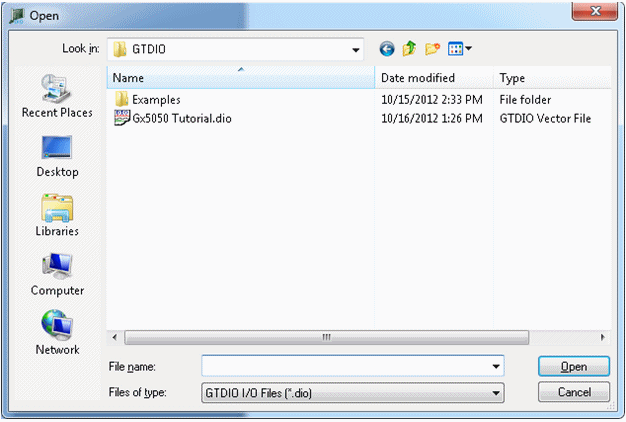
The File Open… command can load and display a result file (DI extension) in Vector View. A DI result file can be compared to a DIO vector file or DI result file using the Compare command in the File menu.
Results can be inspected against the vector file. The DI file can be used to explain why an unexpected result occurs.
See the book Programmer's Reference User's Guide for details about the DIO driver and board programming.