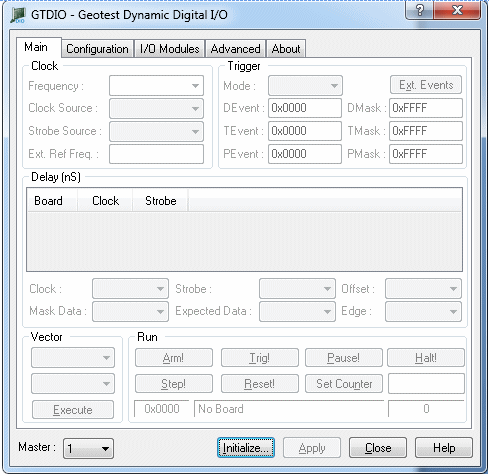
After the vector file is created, the GTDIO Panel can be used to test it interactivity. To open the panel, click GTDIO Panel in the Window menu. A panel similar to the figure below appears.
The GTDIO Panel
This panel can be used to configure the domain, change setup parameters, initialize the board and load a vector file. It can arm (ARM) and trigger (TRIG) the board. During HALT, it saves captured data to a file. The section "Using DIOEasy" contains a more detailed description of this window.