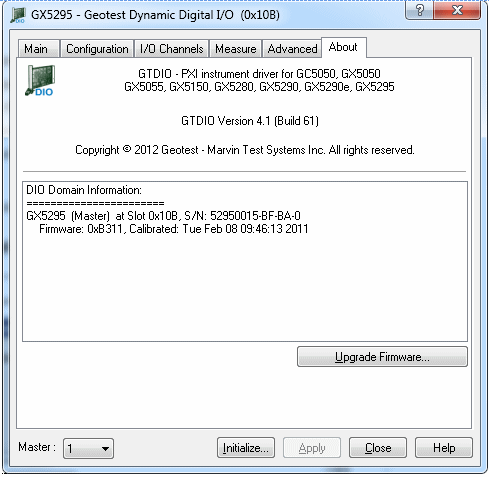
Clicking on the About tab will show the About page as shown in the figure below:
Virtual Panel – About Page
The following controls are shown in the About page:
The top part of the About page displays version and copyright of the driver. The bottom part displays the DIO domain summary.
The About page also contains a button Upgrade Firmware… used to upgrade the board FPGA. This button maybe used only when the board requires upgrade as directed by Marvin Test Solutions support. The upgrade requires a firmware file (.jam) that is written to the board FPGA. After the upgrade is complete, you must shut down the computer to recycle power to the board.