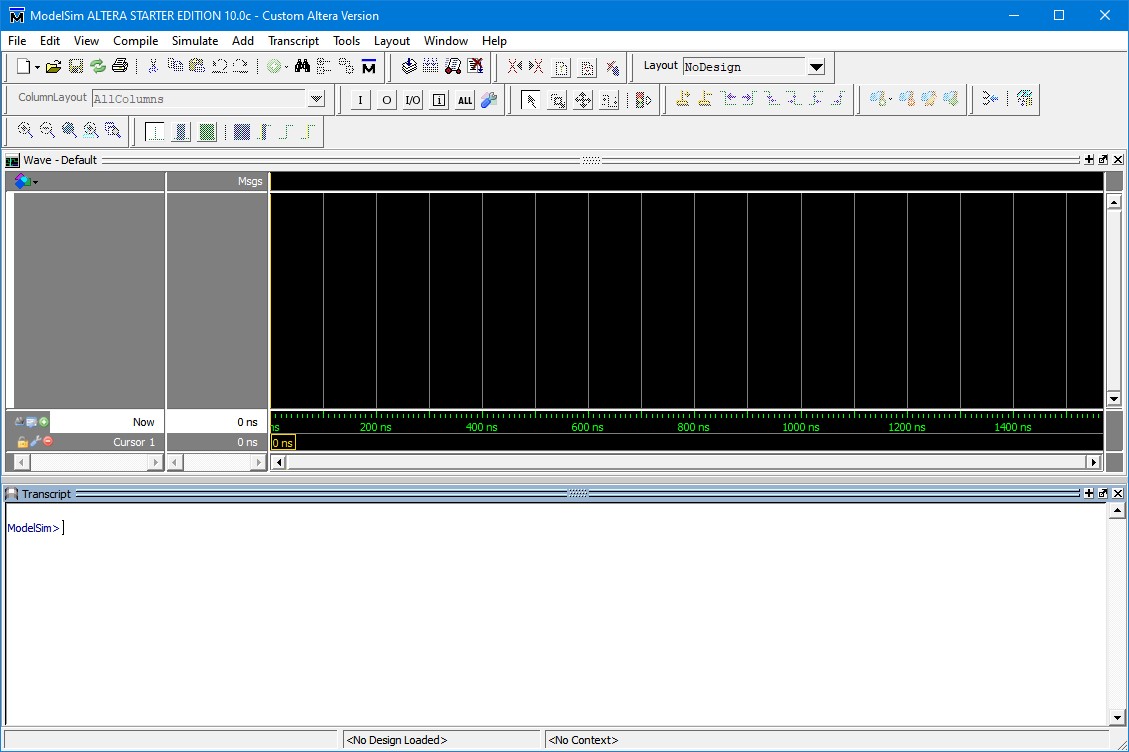
To simulate the design we will use ModelSim application from Intel/Altera. You can download the software for free form the Intel/Altera website. There is a test bench for this tutorial that is already created for you inside the GXFPGA\Examples\Quartus\GX3700\Tutorial.
Follow these steps to simulate the design:
1. Open the ModelSim application:
ModelSim Main Window
2. Click
File  Change
Directory and choose the sim
folder under the Tutorial folder. At this point the ModelSim should display
the simulation pins:
Change
Directory and choose the sim
folder under the Tutorial folder. At this point the ModelSim should display
the simulation pins:
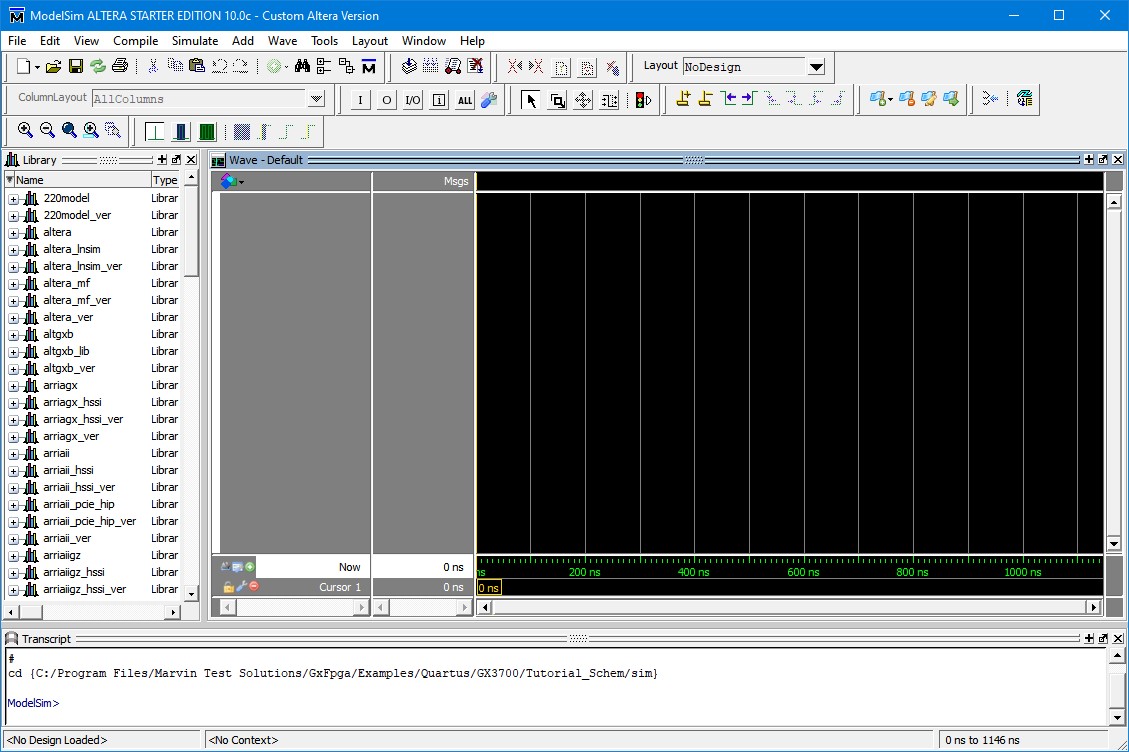
ModelSim Tutorial Simulation
3. Click
Tools Tcl Ex
ecute Macro… and choose sim.tcl,
and click Open. When ModelSim
asks to close the current project, click Yes.
The screen should appear like the screen below:
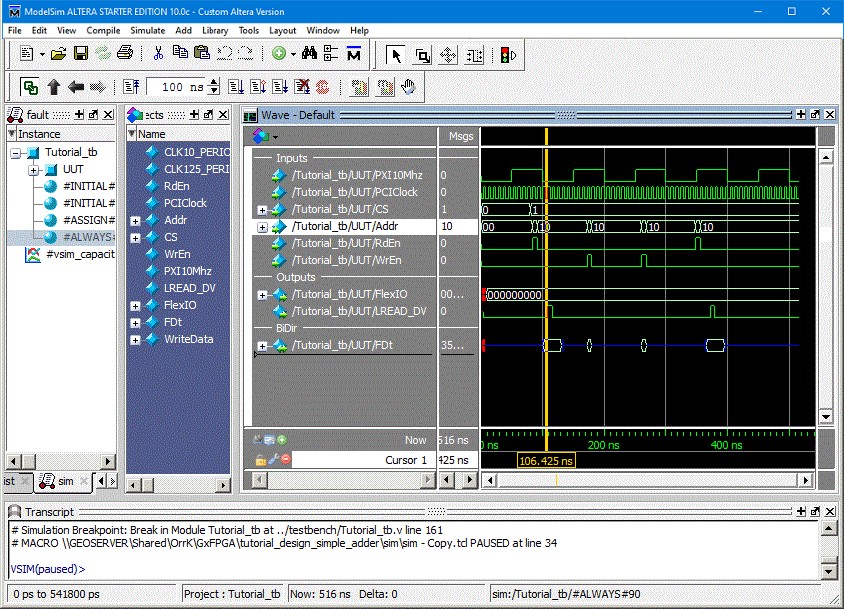
Simulation of Design