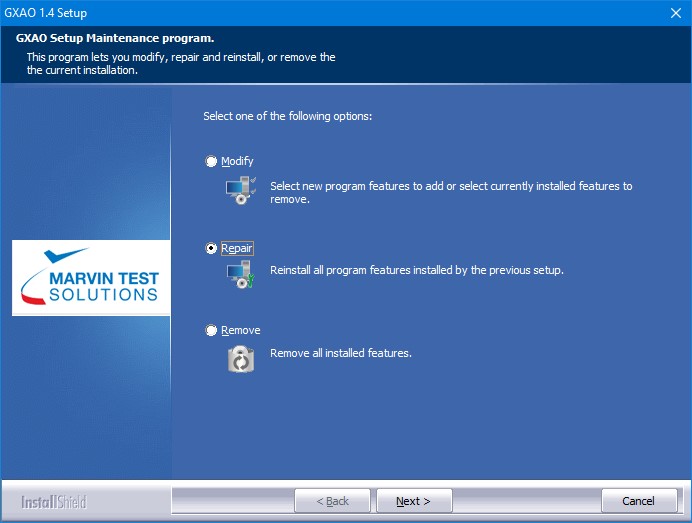
You can run Setup again after GXAO has been installed from the original disk or from the Windows Control Panel Add/Remove Programs applet. Setup will be in the Maintenance mode when running for the second time. The Maintenance window shown below allows you to modify the current GXAO installation. The following options are available in Maintenance mode:
Modify. When you want to add or remove GXAO components.
Repair. When you have corrupted files and need to reinstall.
Remove. When you want to completely remove GXAO.
Select one of the options and click Next.
Follow the instruction on the screen until Setup is complete.
GXAO Setup Maintenance program