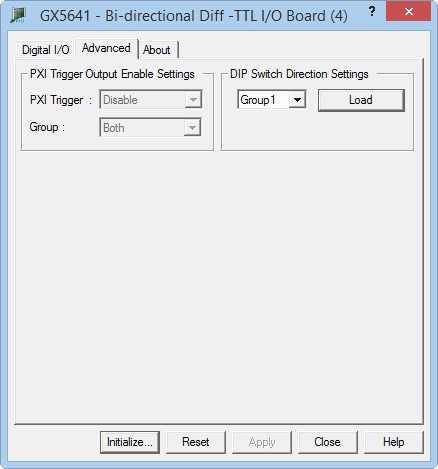
Clicking on the Advanced tab will show the Advanced page as shown in the figure below:
GX5641 Virtual Panel - Advanced Settings page
The following controls are shown in the Advanced page:
PXI Trigger Output Enable Setting drop-down box: Selects the PXI trigger line (0-7) to use for controlling all the I/O channels; output states. when the respective PXI trigger line is raised to a logic 1, all the channels' output states will be enabled. when disable is selected, the PXI trigger bus is not used to control the I/O channels' output states.
Dip Switch Direction Settings drop-down box: Selects the group of DIP switches to load the I/O direction settings from.
load: loads the dip switch I/O Direction settings into all the channels of the group currently selected.