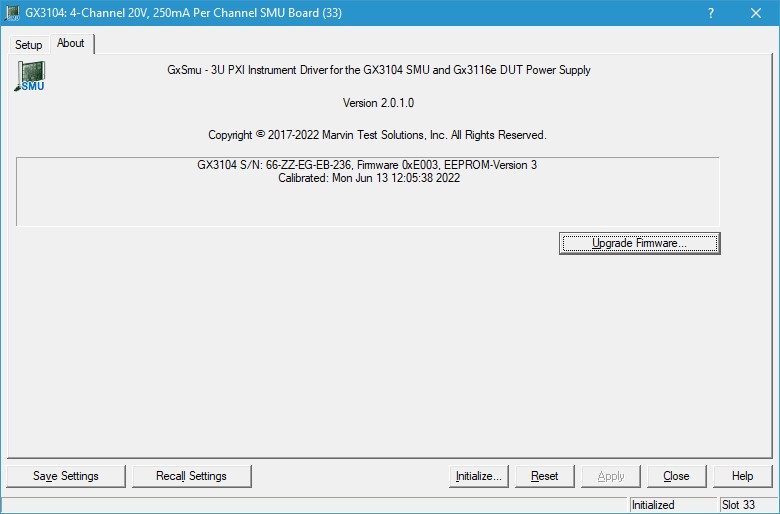
Clicking on the About tab will show the About page as shown in the figure below:
GX3116e Virtual Panel – About Page
The following controls are shown in the About page:
The top part of the About page displays version and copyright of the GxSmu driver. The bottom part displays the board summary. The board summary lists the Boards Type, e.g. GX3116e, Firmware Version, FPGA Version, Unit Serial Number, Unit Control Number, Interface Module Serial Number, Interface Module Control Number, Measurement Module Serial Number, and Calibration Information.
Calibration License… button: Opens the License Setup dialog, see next paragraph Virtual Panel Calibration License for details.
Upgrade Firmware…button: The About page also contains a button Upgrade Firmware… used to upgrade the board Firmware and FPGA. This button maybe used only when the board requires upgrade as directed by Marvin Test Solutions support. The upgrade requires a firmware file (.rpd) that is written to the board FPGA. After the upgrade is complete you must shut down the computer to recycle power to the board.