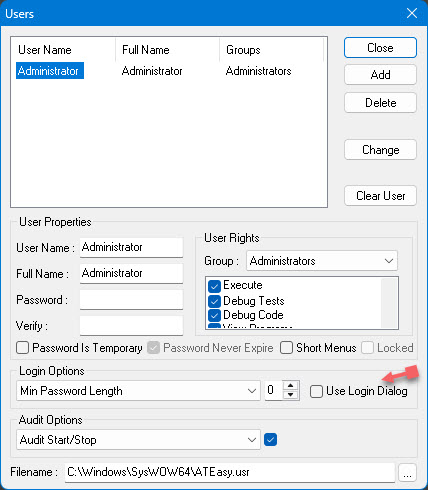
Logging In As A User
There are two cases in which a user needs to log into ATEasy:
1. If
the user is the Administrator, and wishes to add and delete users or change
their level of privilege.
To log in for the first time as the Administrator, go to the Tools menu
and select the Users  icon.
You will be presented with the login dialog.
icon.
You will be presented with the login dialog.
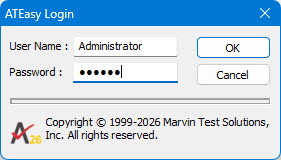
Enter "Administrator" for the user name and leave the password
field blank. Press "OK" and the Users
Dialog will appear. You can then change the Administrator password
to something less vulnerable.
2. If
the Administrator has set ATEasy to require
a login on starting the program, so that a user must log in and assume
his or her role to use the program.
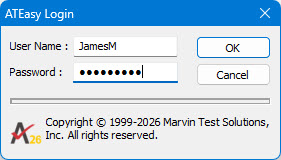
The Administrator can set ATEasy
to require user logins by checking the Use
Login Dialog checkbox in the Users
Dialog.