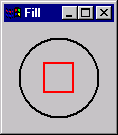
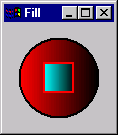
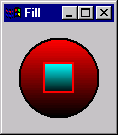
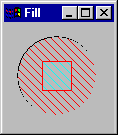
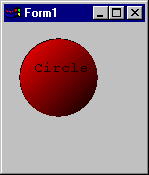
0 - Blackness
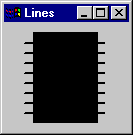
1 - NotMergePen
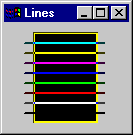
2 - MaskNotPen
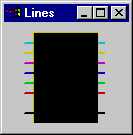
3 - NotCopyPen
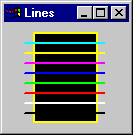
4 - MaskPenNot
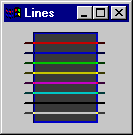
5 - Invert
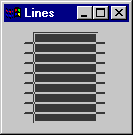
6 - XorPen
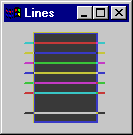
7 - NotMaskPen
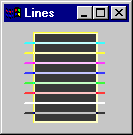
8 - Mask Pen
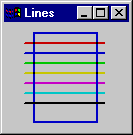
9 - NotXorPen
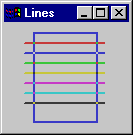
10 - Nop
11 - MergeNotPen
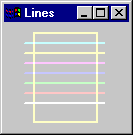
12 - CopyPen (default)
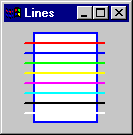
13 - MergePenNot
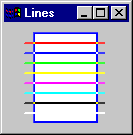
14 - MergePen
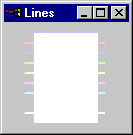
15 - Whiteness
There are many combinations of Form Drawing properties; only a limited subset is shown in this Help file.
DrawMode determine how the color lines and fills is affected by the color on which they are drawn. DrawMode settings are typically used for screen animations.
Examples of DrawMode:
|
0 - Blackness
|
1 - NotMergePen
|
2 - MaskNotPen
|
|
3 - NotCopyPen
|
4 - MaskPenNot
|
5 - Invert
|
|
6 - XorPen
|
7 - NotMaskPen
|
8 - Mask Pen
|
|
9 - NotXorPen
|
10 - Nop
|
11 - MergeNotPen
|
|
12 - CopyPen (default)
|
13 - MergePenNot
|
14 - MergePen
|
|
15 - Whiteness
|
|
|
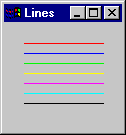
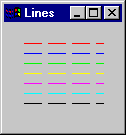
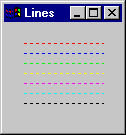
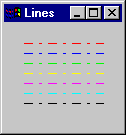
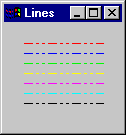
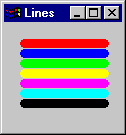
DrawStyle affects the way lines are drawn. DrawStyles are only applied to when the lines have a width of one pixel. Line widths greater than one pixel are drawn as solid lines.
Examples of DrawStyle:
|
0 - Solid
|
1 - Dashed
|
2 - Dot
|
|
3 - DashDot
|
4 - DashDotDot
|
5 - Invisible
|
|
6 - InsideSolid
|
|
|
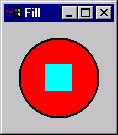
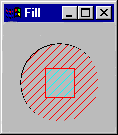
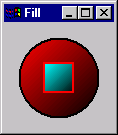
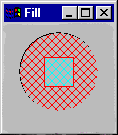
FillStyle affects how area fills are drawn.
Examples of FillStyle:
|
0 - Solid
|
1 - Transparent
|
2 - HorizontalLine
|
|
3 - VerticalLine
|
4 - UpwardDiagonal
|
5-DownwardDiagonal
|
|
6 - Cross
|
7 - DiagonalCross
|
|
PaletteMode affects the colors with which the form and its controls are drawn.
Examples of PaletteMode:
|
0 - Halftone - - - - - - - - - - - - - -
|
1 - UseZOrder - - - - - - - - - - - - - -
|
2 - Custom - - - - - - - - - - - - - -
|
|
3 - Container - - - - - - - - - - - - - -
|
4 - None - - - - - - - - - - - - - -
|
|
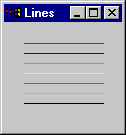
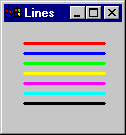
DrawWidth affects the width of lines. When DrawWidth is greater than 1, only solid lines are drawn.
Examples of DrawWidth:
|
DrawWidth = 1
|
DrawWidth = 3
|
DrawWidth = 9
|
Sets the shape of mouse pointer displayed when the mouse is over the object: Default, Arrow, Cross, and I Beam.
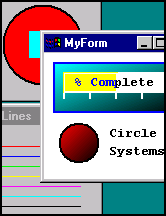
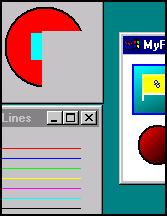
AutoRedraw enables automatic repainting of the graphics in a window. In the following example, two forms (Fills form and Lines form) are partially obscured. When the obscuring object is moved (MyForm) each form behind MyForm behaves differently. The Fills form below does not have AutoRedraw selected. The Lines form does have AutoRedraw selected.
Examples of AutoRedraw:
|
Fills and Lines forms obscured |
Obscuring object (MyForm) |
|
|
|
The Lines form is redrawn. The Circles form is not—resulting in a partially erased image. If you expect a form will be obscured you should consider using AutoRedraw. There is a penalty for using AutoRedraw; it requires more memory to save the drawing.
The OnPaint event can be used to execute code that redraws a screen and yield the same results as using AutoRedraw. Only one of these techniques should be used. While executing an OnPaint procedure may take more time, using AutoRedraw may use more RAM.
if Checked, sets the XP visual style of the form and its controls at run time.
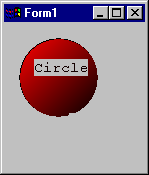
If FontTransparent is unchecked, the text background is drawn. If FontTransparent is checked, the text background is not drawn.
Examples of FontTransparent:
|
FontTransparent
|
FontTransparent
|