,
,  (red mark) in the Content tab of the
help.
(red mark) in the Content tab of the
help.ATEasy
version X or 10.0 contains numerous
enhancements to the test development environment, run-time and Test
Executive. The following list describes the main changes in this
version. New or significantly modified topics/books in this on-line help
are marked with , (red mark) in the Content tab of the
help.
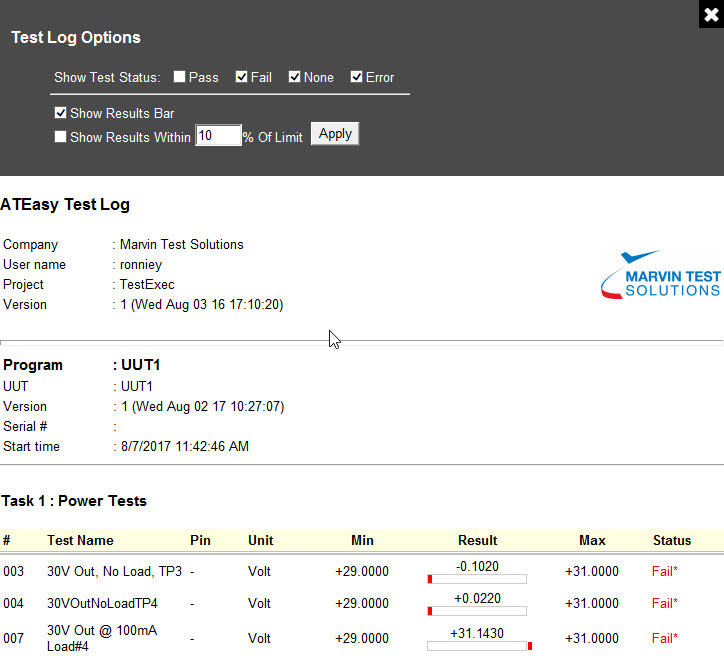
● Much Faster Run-Time - - up to 10x faster in benchmark tests. ● New .Net Controls Support – import and integrate external, widely-available .Net controls and use the new Properties Grid Window to set control properties for more efficient test development and expanded test program capabilities ● New collaboration tools including Compare and Merge functionality for files and folders ● New Code Editor for editing files in text format inside the IDE ● Embed Run-Time - Deploy your test application with the exact run-time you used to test your ATEasy application as a single executable or DLL ● Use the new Test Log Template to quickly filter test results by status or by test result and limits to improve test program quality and repeatability ● ~100% backward compatible, with EXEs, DLLs compiled with older versions, and prior version source files, install side by side with your existing ATEasy version facilitates test program migration |
|
● New Folder
Compare Tool
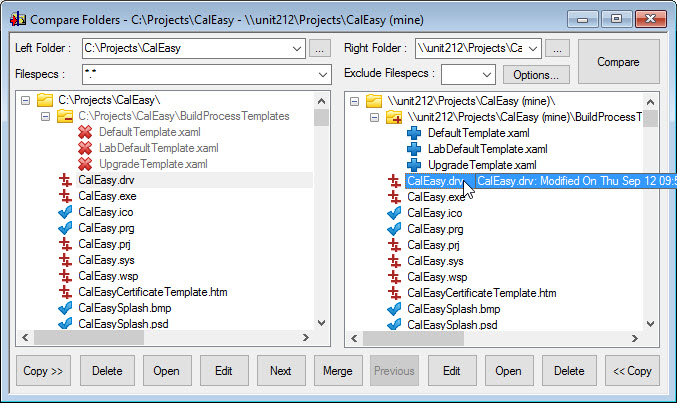
● New ATEasy
Merge Tool
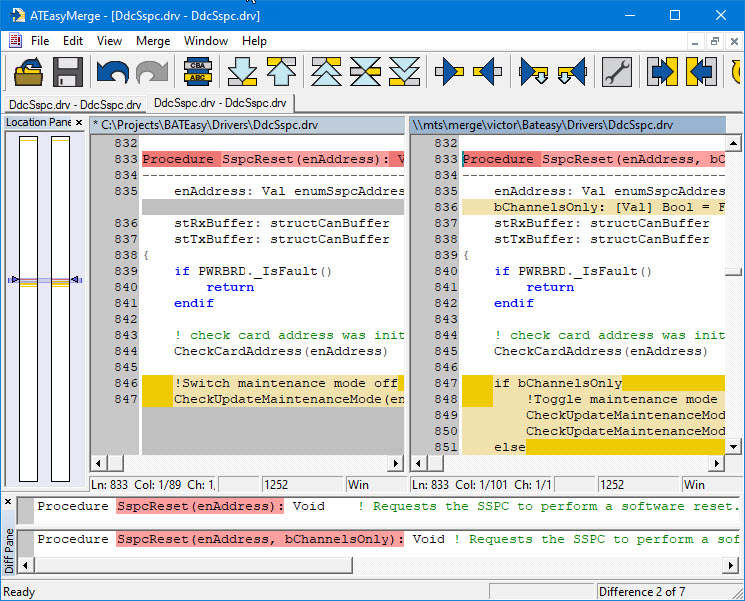
● New Edit/View
in Text Format inside the IDE with Syntax Highlighting
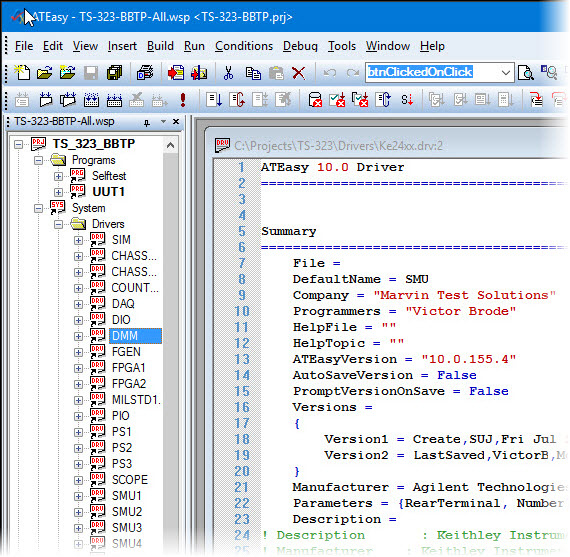
● New support for .Net Controls and new Properties
Grid Window used to display
and set .Net and ActiveX control properties
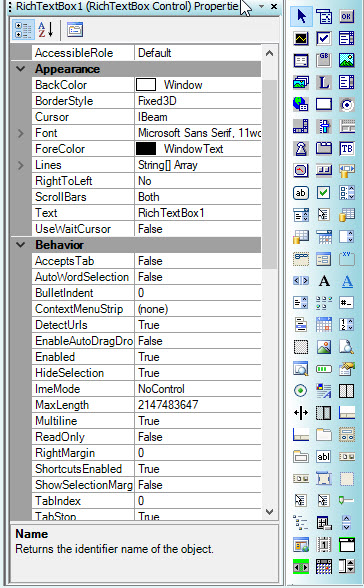
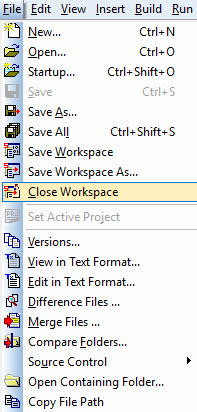
● New IDE File
commands: Close
Workspace, Save
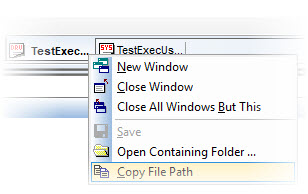
Workspace As…, Copy
File Path (also show as a new MDItab command)
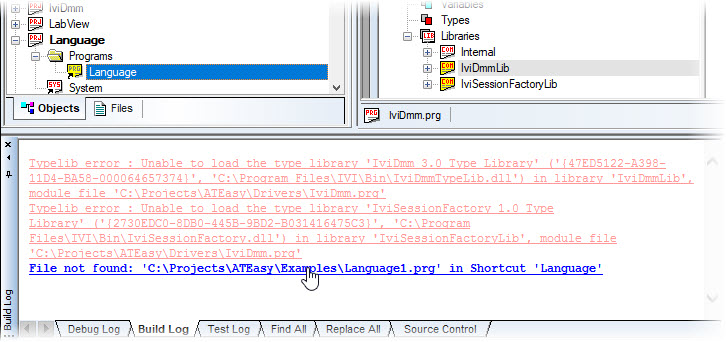
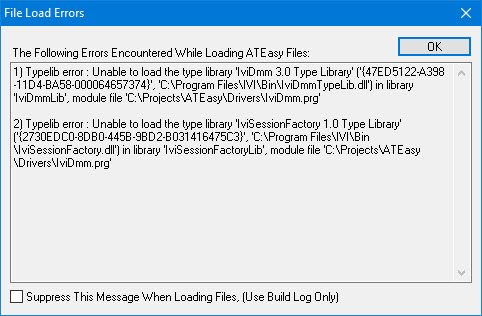
● New Error Loading
dialog, Log, and a way suppress ActiveX/.Net load or missing files errors
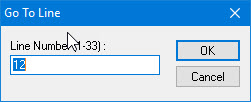
● New Go To Line
dialog
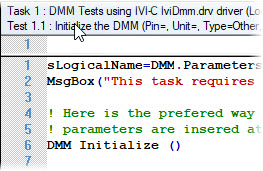
● New Show Line
Numbers in Code Editor option
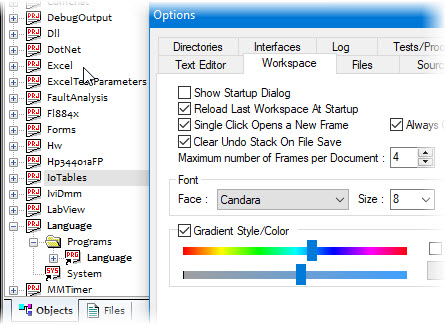
● Option to set
the IDE/Workspace Font
● Maximize Code Editor Height
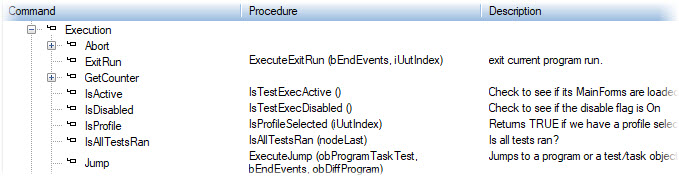
● Description
for Command View
● Toolbars has new commands (Merge, Folder Compare, Find, Replace, Bookmarks, Execute, Rebuild All and more)
● Procedure view – new context menu commands
● Recent Workspace (50), full path display in menu
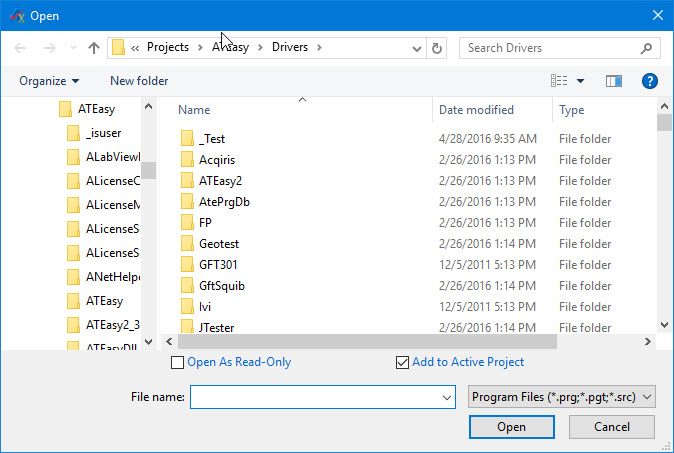
● Updated File
Open/Save As dialogs
● Shortcut keys work from Find/Replace dialogs (e.g. Alt+F3 – FindAll)
● Find in Monitor window and Watch windows (v10)
● Row highlight
in tree/lists
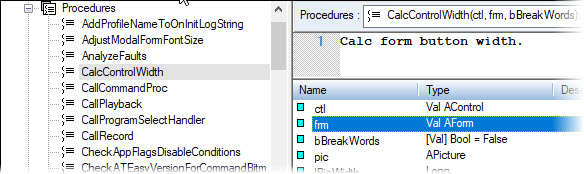
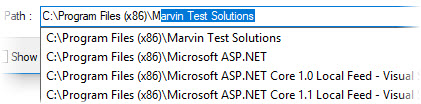
● File Path Auto
Complete throughout the IDE
● Much Faster run-time - up to 10 times prior ATEasy run-time
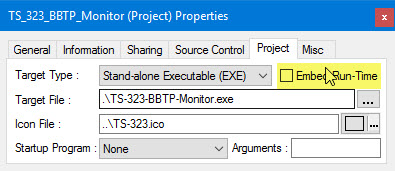
● Embed Run-Time
when creating EXE/DLL - Deploy your test application with the exact run-time
you used to test your ATEasy application as a single
executable or DLL (requires any run-time to be installed prior to using
the new executable or DLL)
● No External shared libraries dependencies used, for faster and easy to deploy applications
● Can run side by side with ATEasy 9 and ATEasy 3-8
● New .Net Controls support including events overriding, extended and control properties and methods
● SavePicture() function, accepts new file formats including jpg, png, gif, tif
● New Bits() function, Internal functions/classes modifications
● New AForm.OnMove event (build 156c)
● New support for calling .Net generics methods or properties using Object type
● New support for calling method or properties that on classes that do not have type information
● New Support for LabVIEW up to 2015, 2016, 2017 and .NET 4.7
● ATEasy Windows Application Log can be configured to record ATEasy/Application Start/Exit, Program Start/Stop, User Log In/Log Off/ Modify and more. See Users Dialog for more information (v10, 156d)
● Support for Test Log Templates for header and styles
● Template to
support by Test Status filtering,
results bar chart display and % of limit filtering for tolerance and min-max
tests
● Auto Save option for Test Logs, used to save temporary log files at the end of every task, test or using a time interval
● New commands: Execution WaitAll/ResumeAll used to synchronize UUTs for multi-UUT execution
● DebugOutput - new example showing how to use the DebugOutput driver used by application to trace application events, code execution and trace calls to a text file
See the ATEasy ReadMe.txt for a complete list of all changes and new features included in this release.
● ATEasy X is compatible with 32/64 bit Windows operating systems including Windows XP (SP3), Vista, Windows 7, 8, 8.1, 10 and Windows Server 2003, 2008 (also R2) and 2012 (also R2). Windows 9x and Windows 2K are no longer supported. No special software or hardware is required beyond Windows requirements.
● ATEasy X is ~100% backward compatible with prior ATEasy versions, no change in ATEasy file format. Forward compatibility is provided for version 4.0-8.0 (unless new features are used). EXE and DLL compiled with older versions of ATEasy can be used with X run-time.
● HW v4.9.2 (Marvin Test Solutions PCI/PXI explorer and hardware access driver) is included in this release to support VISA, multiple PXI chassis, USB and more. More information is available under Program Files folder, \Marvin Test Solutions\HW, ReadMe.txt.
● New Use SN check box in the document Sharing properties page, when checked, supports for ATEasy License Serial Number (SN) based access protection (open, view or change) for Driver, System or Program binary files.
● New Encrypt check box in the Project properties page, when checked, the executable is added with signature and PCode section is encrypted, providing ATEasy EXE/DLL integrity and viewing protection.
● Cyber Security enhancements that includes:
● Users dialog (in ATEasy and TestExec) to include additional login, password, and audit policies.
● User File protection support using File Security support
● Windows Event Log Audit Records.
● Online activation, authorization and termination of ATEasy license (NL/SL and OEM only) using Marvin Test Solutions web service.
● Support for VM running of ATEasy and ATEasy License Server is now available only when using online activation. Please make sure internet connection (https) is enabled for ATEasy when configuring your firewall. You must upgrade your ATEasy License Network Server with the latest software version to support client running 156d-PR7 or newer.
What's New in Version 9.0, What's New in Version 8.0, What's New in Version 7.0, What's New in Version 6.0, What's New in Version 5.0, What's New in Version 4.0